
PixVerse 5.5
Text to video · Image to video
Generate high quality video clips from text and image prompts using PixVerse v5.5
Find a model. See what it can do.
122 models in this collection.
Text to video · Image to video
Generate high quality video clips from text and image prompts using PixVerse v5.5
Text to video · Image to video
Use the latest pixverse v5.6 model to turn your texts into amazing videos.

Text to video · Image to video · Video editing
Pixverse's latest v6 Model.
 Video
VideoImage to video
Runway Gen-4 Turbo for image to video.
Image to video
Learning Realistic 3D Motion Coefficients for Stylized Audio-Driven Single Image Talking Face Animation
Text to video · Image to video
Seedance 1.0 Pro, a high quality video generation model developed by Bytedance.
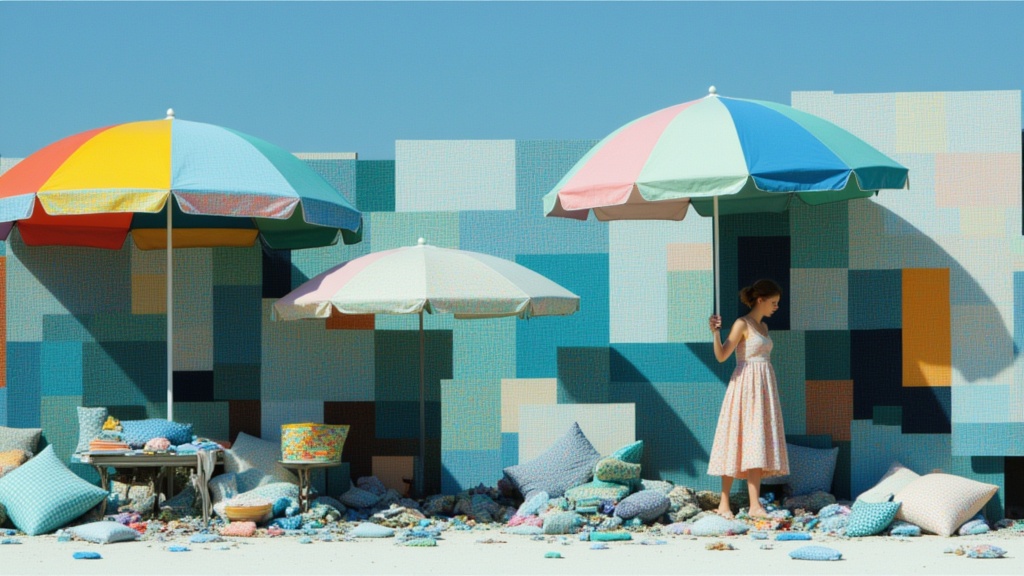
Text to video · Image to video
ByteDance's most advanced text-to-video model, fast tier. Lower latency and cost with cinematic output, native audio, multi-shot editing, and director-level camera control.

Text to video · Image to video
Seedance 2.0 Mini is a faster version of Seedance 2.0 that brings great performance and high generation speed at a lower cost.
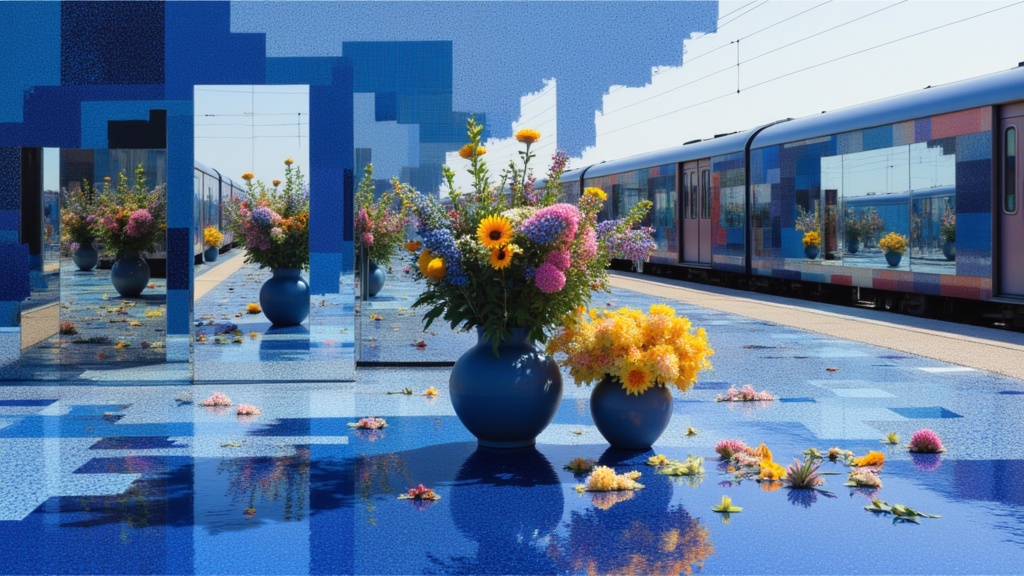
Text to video · Image to video
ByteDance's most advanced text-to-video model. Cinematic output with native audio, multi-shot editing, real-world physics, and director-level camera control.
 Video
VideoText to video
Move from a written scene to a video. Set the subject, action and mood in your prompt.
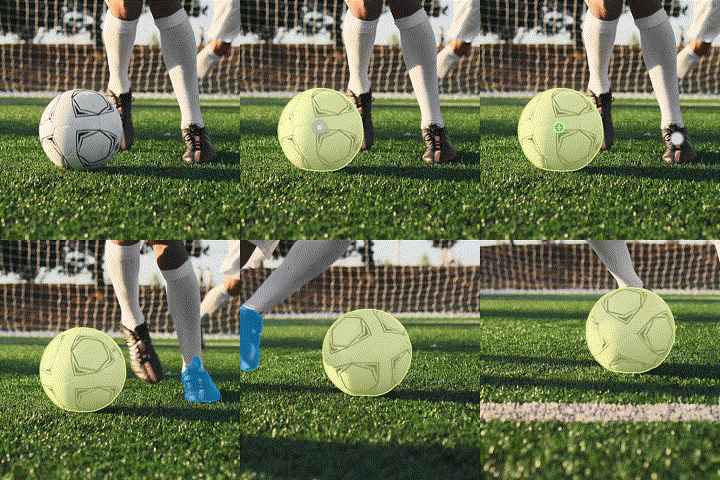
Image editing · Video editing
SAM 2 is a model for segmenting images and videos in real-time.

Text to video
Generate short video clips from your prompts using SVD v1.1
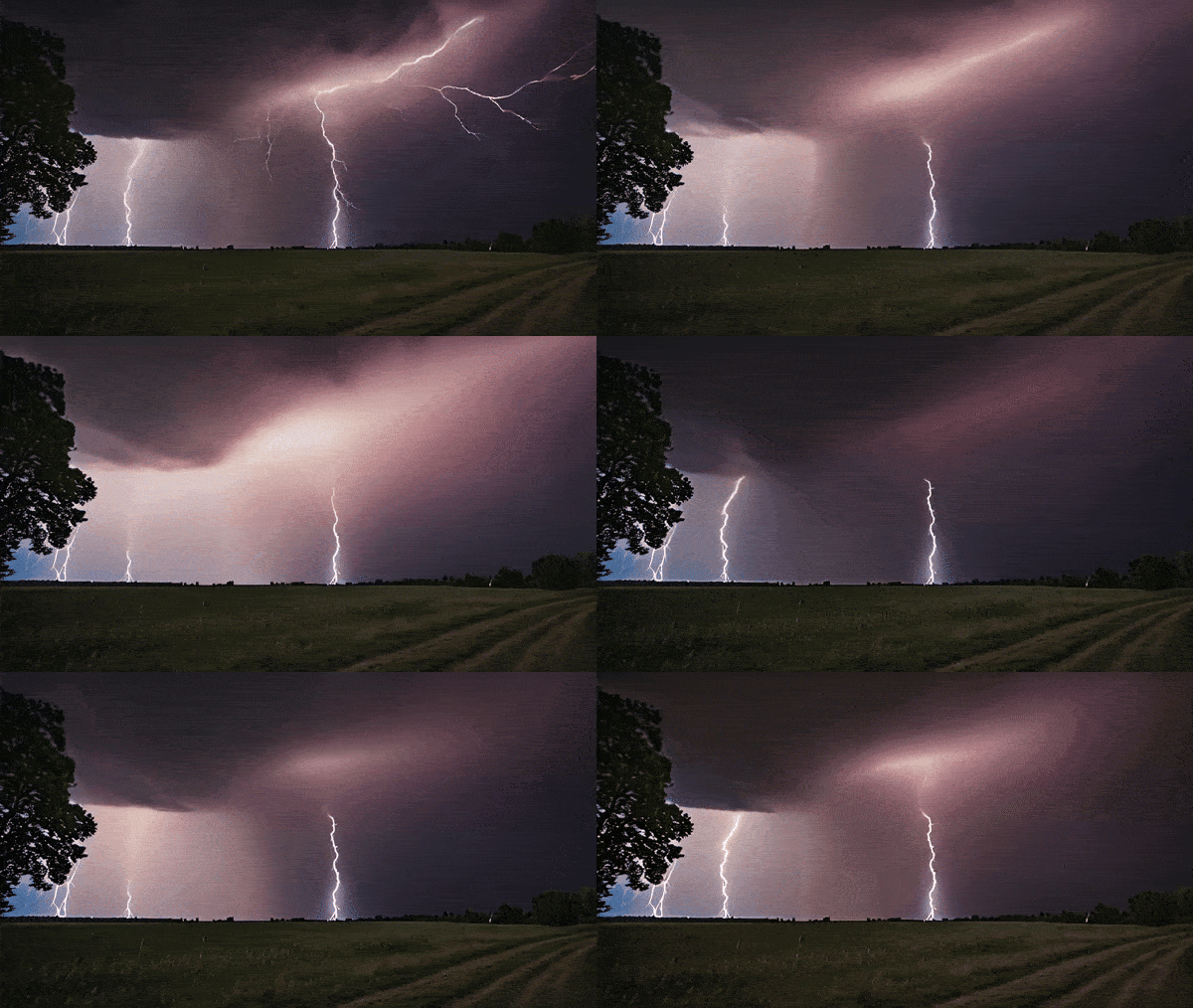
Text to video · Image to video
Generate short video clips from your images using SVD v1.1 at Lightning Speed
 Video
VideoImage to video
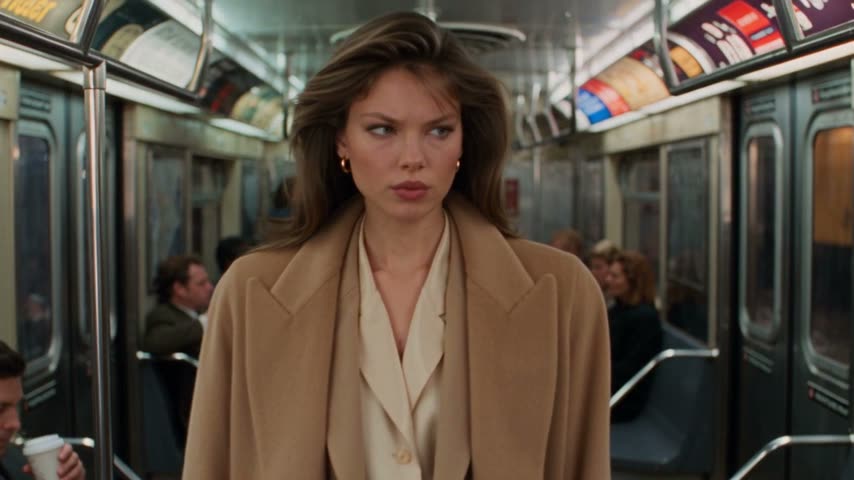
Turn a person photo into a subway freeze-frame video, with an optional product in the shot.
Text to video
Generate short video clips from your prompts
Text to video · Image to video
Veo 3.1 by Google, the most advanced AI video generation model in the world. With sound on!
 Video
VideoText to video
Describe a scene and see it move. Explore short video ideas with atmosphere, camera movement and sound.
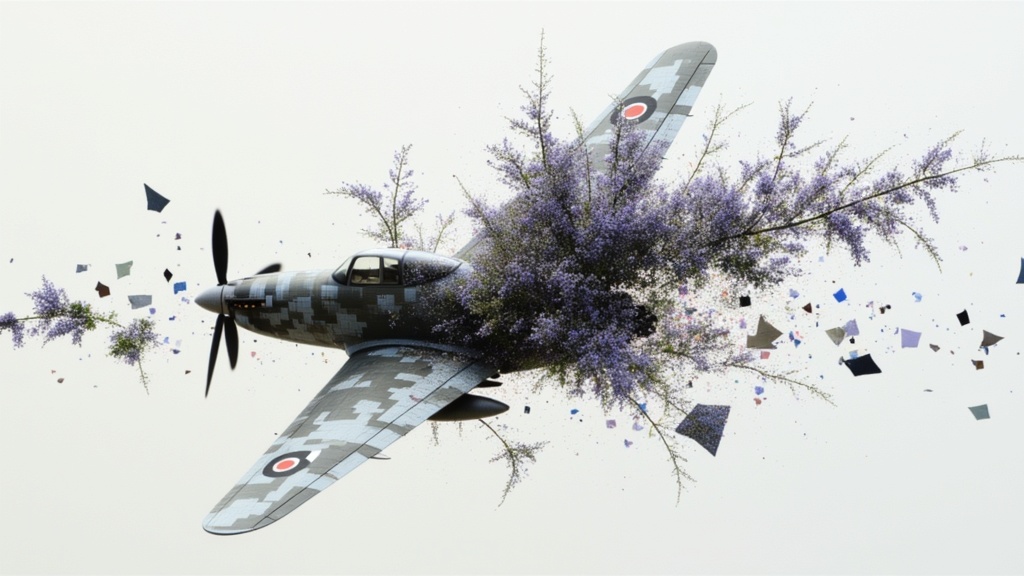
Text to video · Image to video
Veo 3.1 Lite balances practical utility with professional capabilities, supporting Text-to-Video and Image-to-Video
Video editing
Automatically remove backgrounds from videos -perfect for creating clean, professional content without a green screen.

Video editing
Remove background from videos filmed using chromakey, with automatic green spill suppression for clean, professional edges.

Video editing
Erase unwanted objects, people, or elements from video with a text prompt. High-fidelity output with strong temporal consistency, trained on licensed data for safe commercial use.
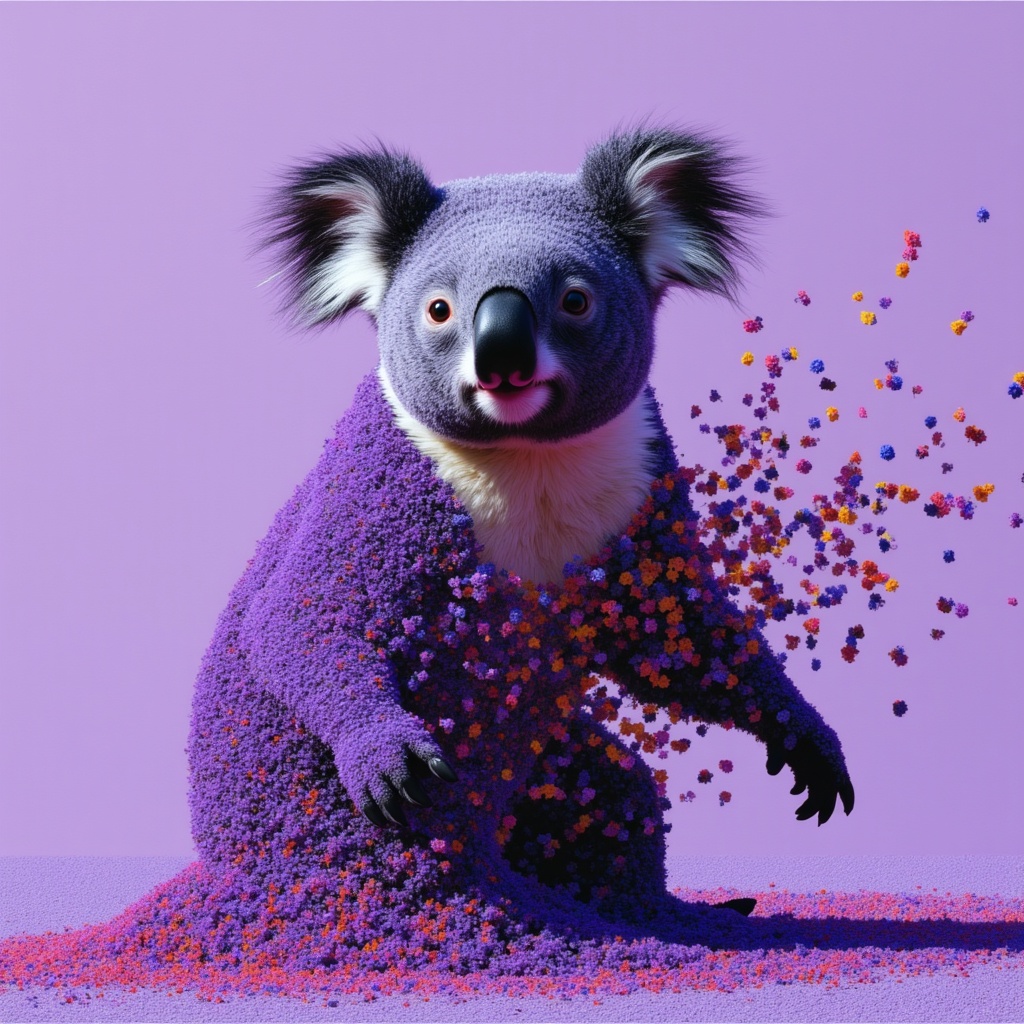
Image to video · Video editing
Use the latest Vidu Q2 models which much more better quality and control on your videos.
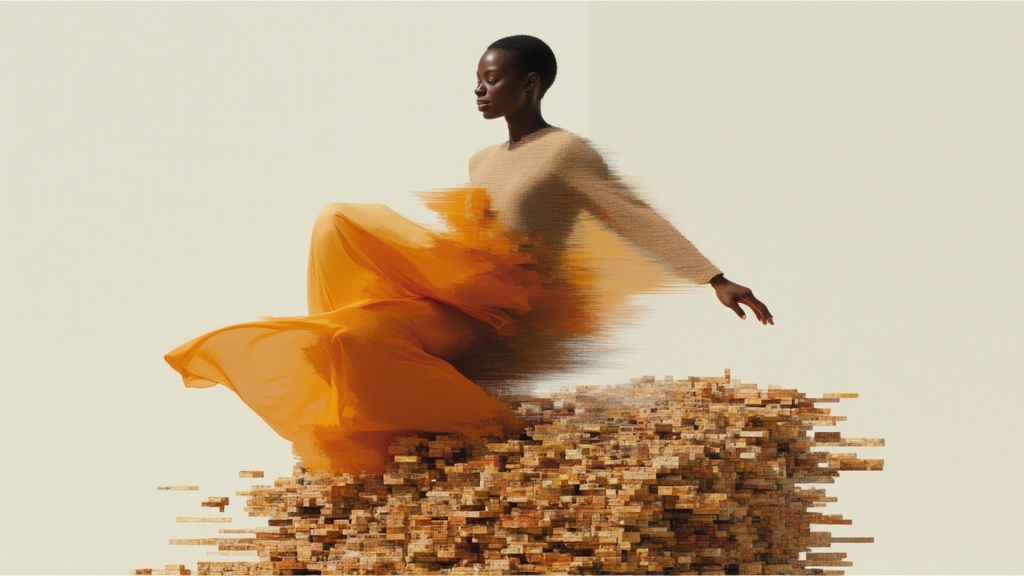
Image to video
Use the latest Vidu Q2 models which much more better quality and control on your videos.
Text to video
Use the latest Vidu Q2 models which much more better quality and control on your videos.
Take it into the studio. See the price before you create.
Browse models here without an account. Sign in when you are ready to create.