
Image
Image Editing Tools
See how you or others might look at different ages, from younger to older, while preserving core facial features.
- Image editing
Sign in to create. Review the credit cost in the studio before running.
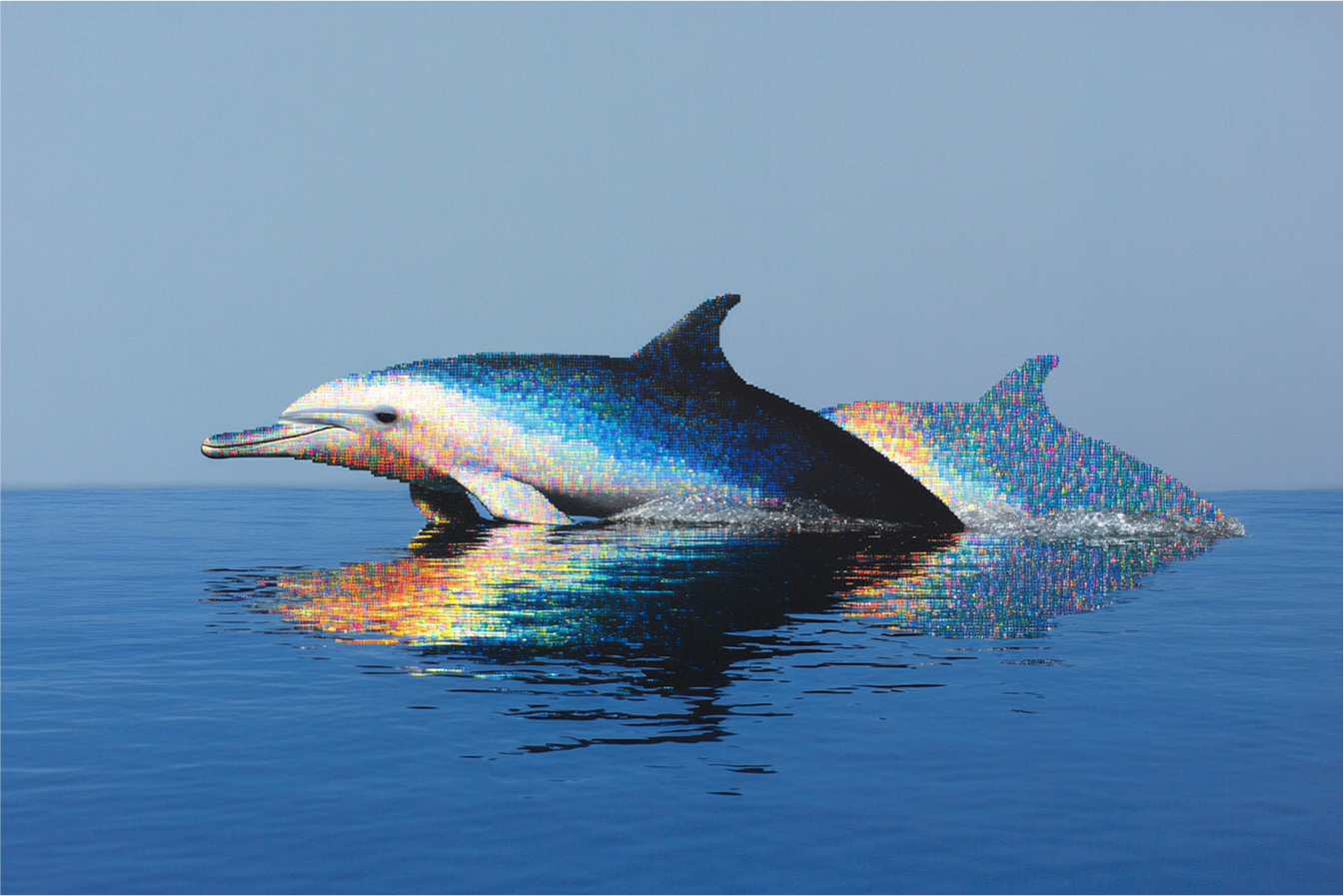
Catalog preview for Image Editing Tools. Review your own result before publishing.
Use Image Editing Tools through the API.
Start with this model ID for the endpoint featured on this page:
image-editing/age-progression
Available modes
- Age Progression ·
image-editing/age-progression - Baby Version ·
image-editing/baby-version - Background Change ·
image-editing/background-change - Broccoli Haircut ·
image-editing/broccoli-haircut - Cartoonify ·
image-editing/cartoonify - Color Correction ·
image-editing/color-correction - Expression Change ·
image-editing/expression-change - Face Enhancement ·
image-editing/face-enhancement - Hair Change ·
image-editing/hair-change - Object Removal ·
image-editing/object-removal - Photo Restoration ·
image-editing/photo-restoration - Plushie Style ·
image-editing/plushie-style - Professional Photo ·
image-editing/professional-photo - Realism ·
image-editing/realism - Reframe ·
image-editing/reframe - Retouch ·
image-editing/retouch - Scene Composition ·
image-editing/scene-composition - Style Transfer ·
image-editing/style-transfer - Text Removal ·
image-editing/text-removal - Time of Day ·
image-editing/time-of-day - Weather Effect ·
image-editing/weather-effect - Wojak Style ·
image-editing/wojak-style - YouTube Thumbnails ·
image-editing/youtube-thumbnails
Check the current model schema for supported inputs and options. Other tasks may use different model IDs.
From quote to result.
Request a credit quote for your input and settings before submitting a generation. A sample output or the price of another model is not a quote for your request.
Follow the generation workflow, then poll the job for its status and result. The API and studio use the same balance.